
Your machine becomes the assistant.
Speak or type naturally, and let Upfyn carry authorised actions into your computer and your signed-in browser.
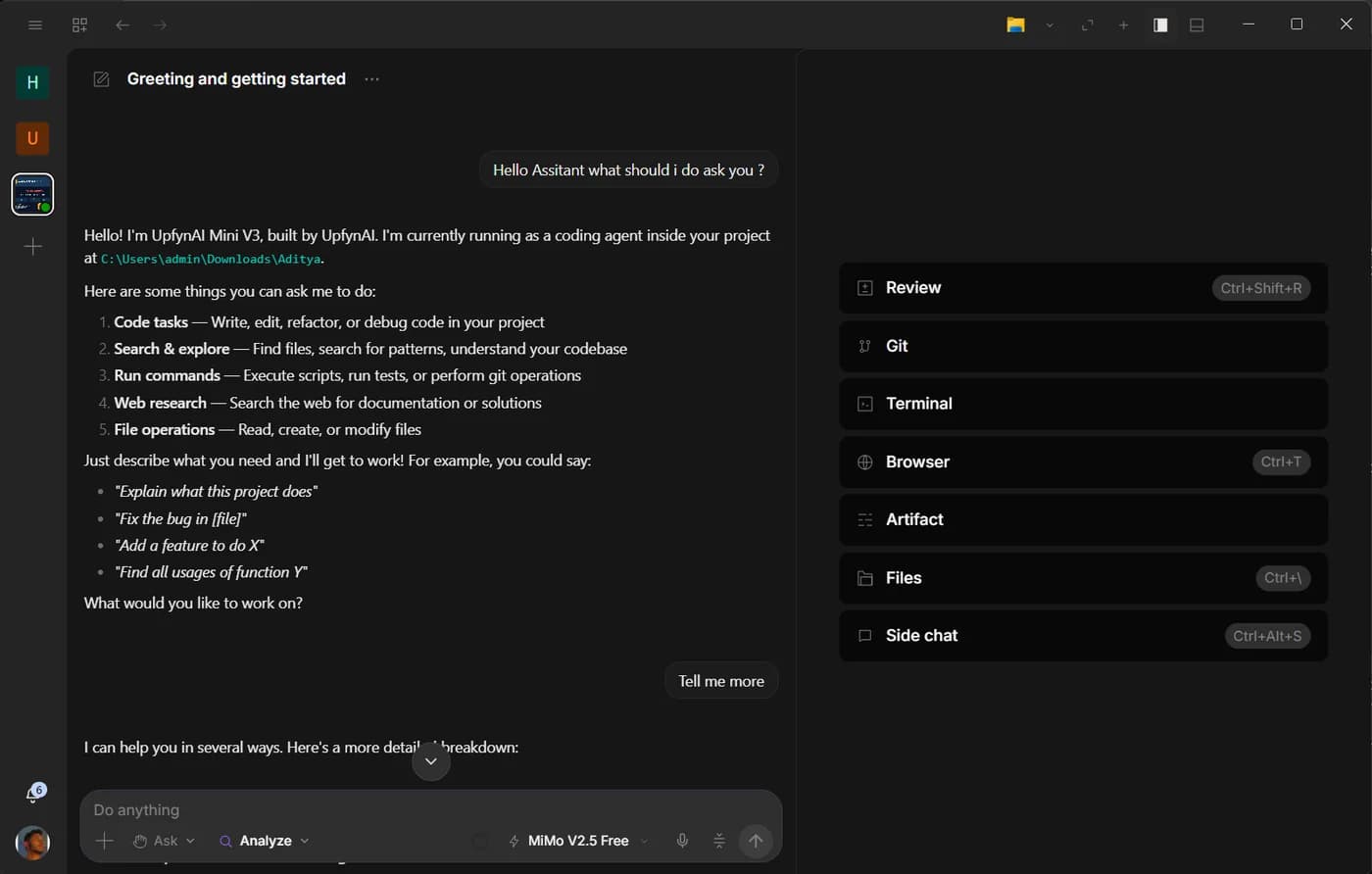
What it does
Works where your work is
Files, folders, apps and the browser on your own machine, not a copy in the cloud.
Available in both modes
Analyst for everyday work, Developer for the full project, terminal and Git.
Visible action history
Every action it takes is listed, so you can see what ran and when.
Permissions stay yours
What it can touch is decided by your permissions, and it checks with you before anything important.
See it work
An example conversation, not recorded output.
How it works
- Describe the result you want, and name the files or folders involved.
- Upfyn plans the steps and carries them out on your computer.
- Review what changed in the action history, and undo by asking.
You stay in charge
- Tell it where to stop: “stop before deleting anything”.
- The desktop stays the engine — remote access from your phone reaches the same machine.
- Permissions and approvals apply to spoken and typed requests alike.
More features
All featuresVoice Agent
Upfyn's Voice Agent turns your computer into an assistant that hears you: push to talk or wake it by name, in every language you speak.
Browser Agent
Upfyn's browser agent opens pages, clicks, types, fills forms and reads what it finds in your own Chrome, Edge or Brave, with a live view and a full history.

Upfyn AI Studio
Bring images, video, and audio into a local project. Arrange and refine the timeline, preview the sequence, and export supported projects to WebM.
Included in Hyper & Ultra
Upfyn Operator
Get help through a temporary remote-assistance session. Confirm the connection together and choose the screen and input access the task needs.
Included in Hyper & Ultra
Upfyn Team
Keep conversations, tasks, documents, calendars, files, whiteboards, and calls in a shared workspace, with an assistant available to help people get oriented.
Included in Enterprise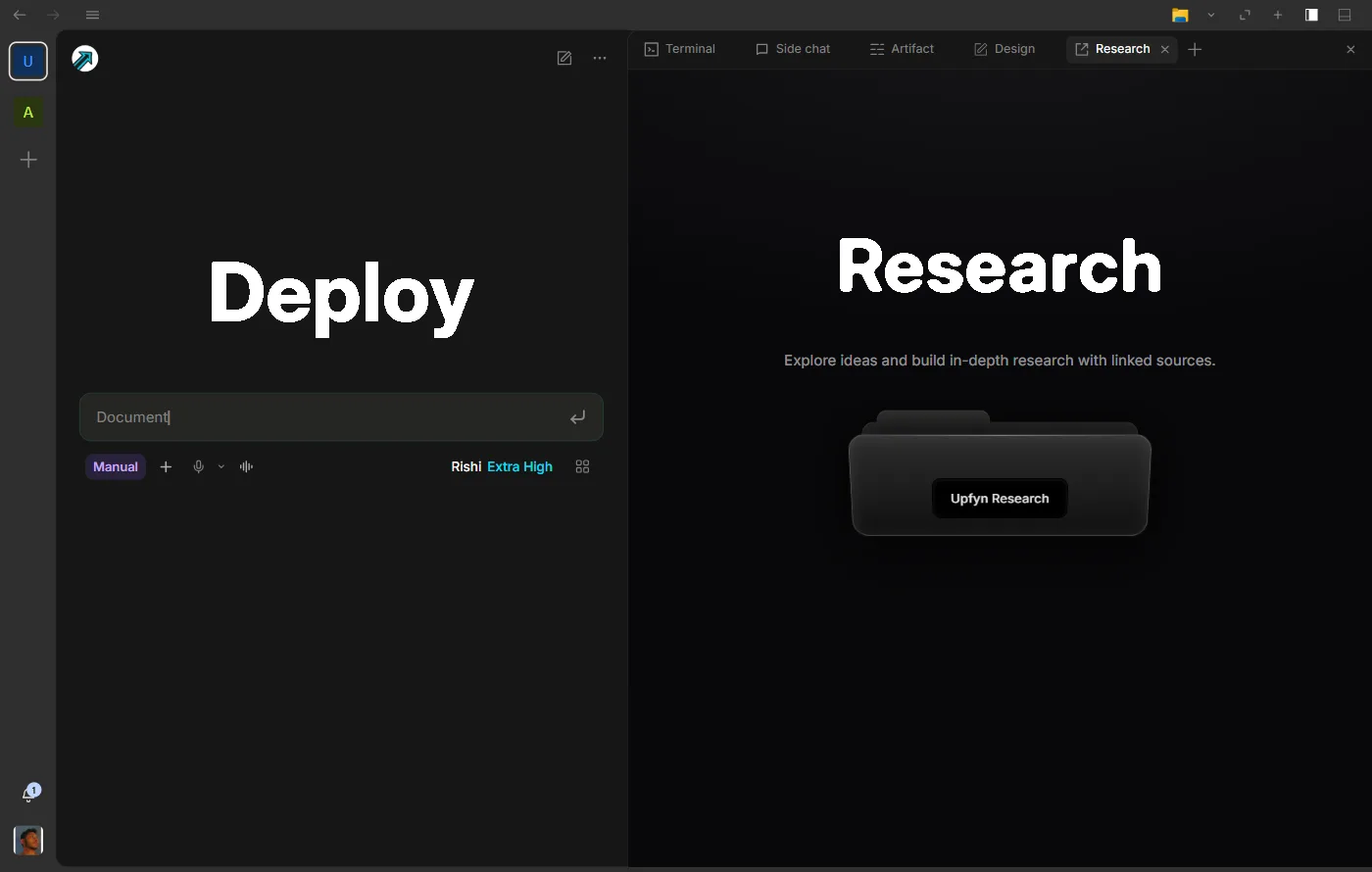
Research
Give a brief, proposal, or research summary a document you can keep editing. Bring existing material, develop the draft, and keep sources close to the explanation.
Included in Hyper & Ultra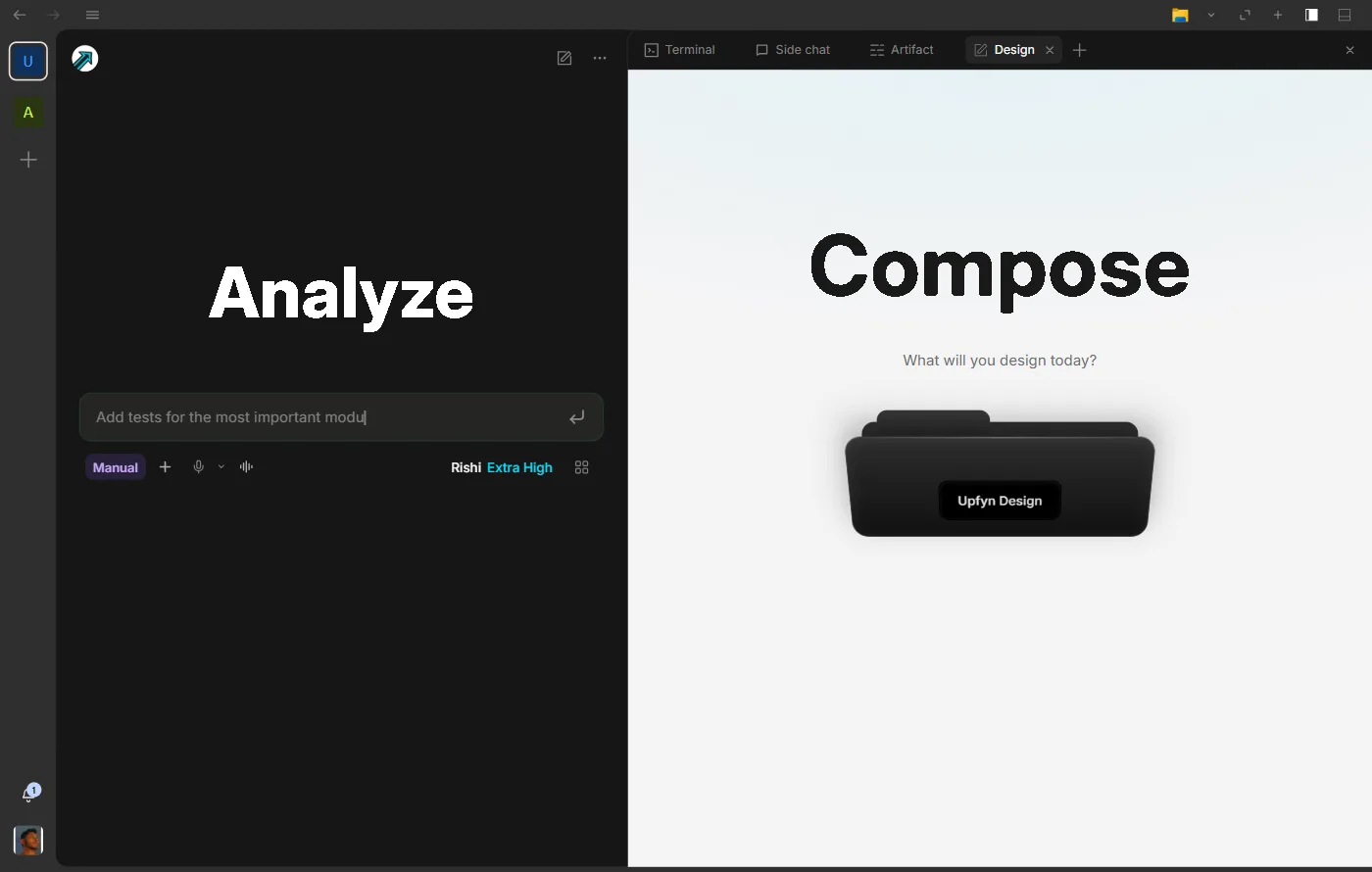
Design
Turn a brief into a graphic, presentation, whiteboard, or website. Start with a generated draft or build on the canvas, then refine the message and layout.
Included in Hyper & Ultra
Share
Pass selected files or folders directly to another Upfyn device on a trusted local network. Choose the material, review requests, and follow the transfer.
Included in Hyper & Ultra