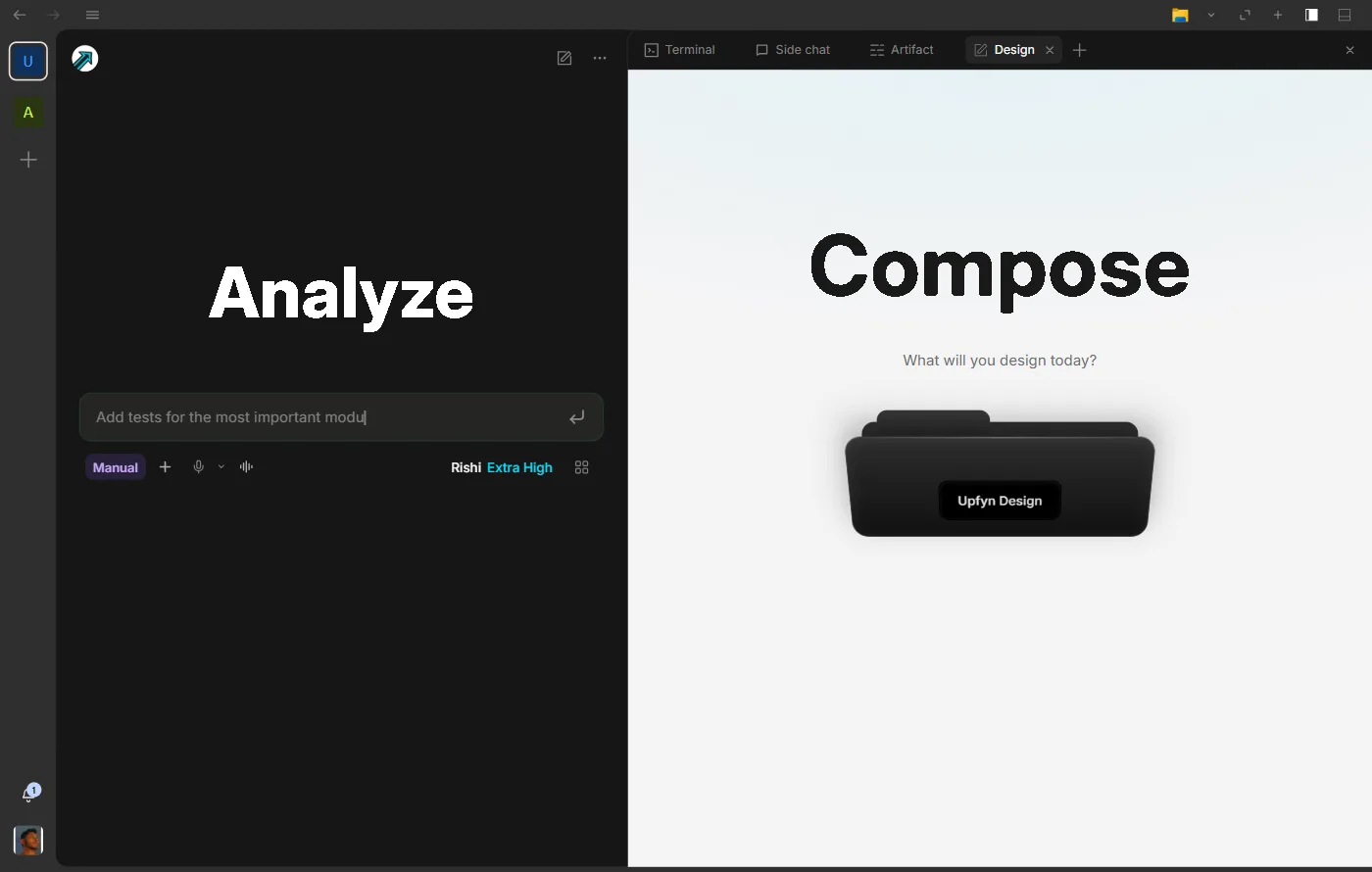
A place for the document your conversation is becoming
Draft, research, and revise documents in Upfyn Research. Import your existing material, keep citations close, and edit the passages that need attention.
Included in Hyper & Ultra
ResearchQ3 sales briefSources · 3Export
Q3 sales brief
From reports/q3-sales.xlsx and notes/pipeline.md
Revenue closed at ₹4.8 Cr, up 18% on Q2, led by the enterprise segment.1
Pipeline for Q4 stands at ₹6.1 Cr across 42 open deals, nine of them in final review.2
Risks
Two renewals move to October without a signed order.2
Payment terms stretched to 45 days in the west region.1
Research
At a glance
What you can do
Create a blank document or import Markdown, PDF, DOCX, HTML or text
Draft and research with structured sources and inline citations
Edit in place, rewrite a selection, dictate text and export the finished document
How it works
Documents autosave inside the active project
Scanned PDFs can use bundled on-device OCR before you edit them
Research brings drafting, source material, and revision into an editable document inside your Upfyn project.
A useful answer often needs to become something more
You ask an assistant to help with a brief. The answer is a good start, so you copy it into an editor. Then you ask for a change, copy another passage, and wonder whether the document still matches the latest conversation.
That back-and-forth becomes harder as the work grows. The sources are in one place, the instructions in another, and the reviewed document somewhere else.
Research gives the draft a persistent home beside the work that produced it. You can develop the document, check the evidence, and keep editing without treating each answer as a separate version to assemble.
Begin with the material you already have
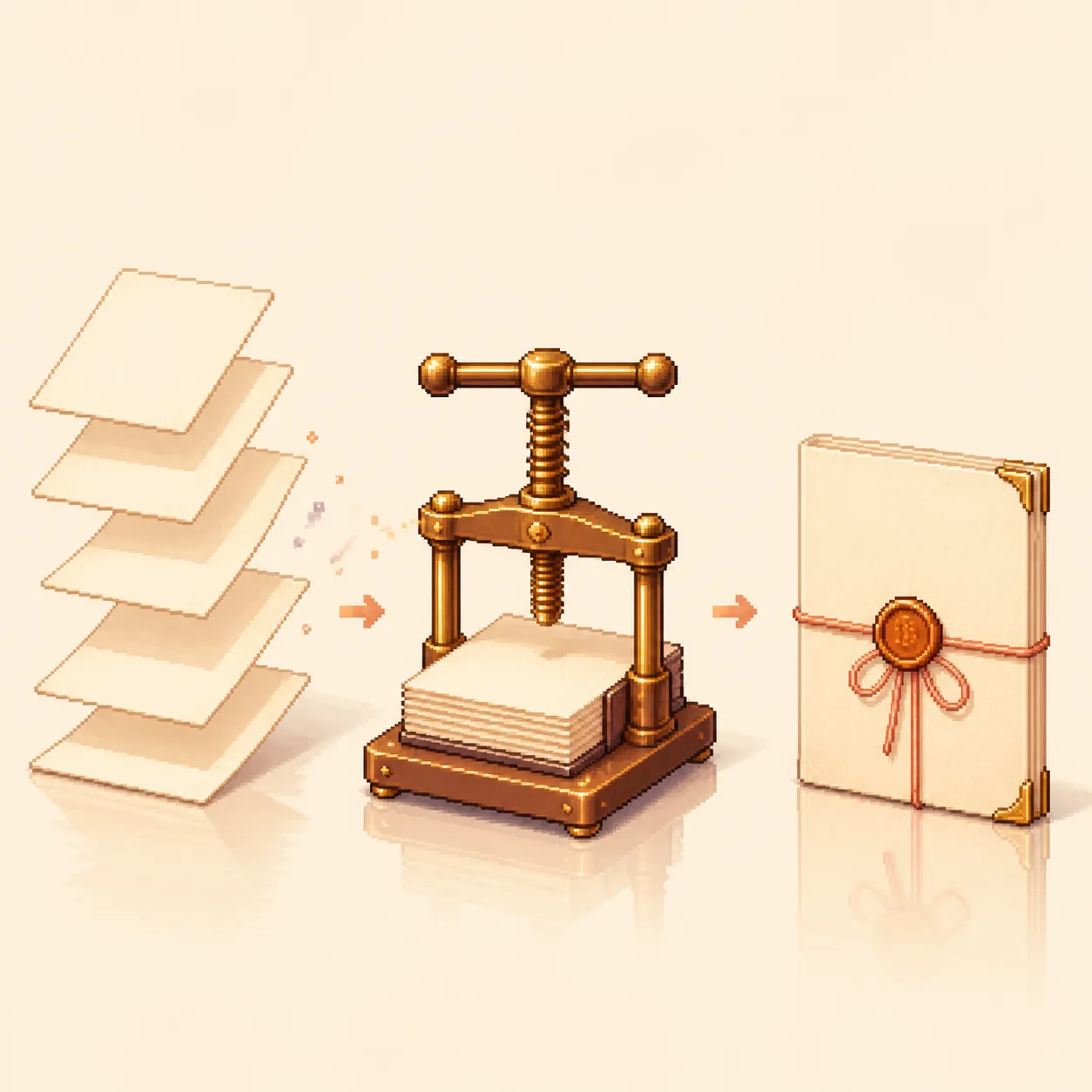
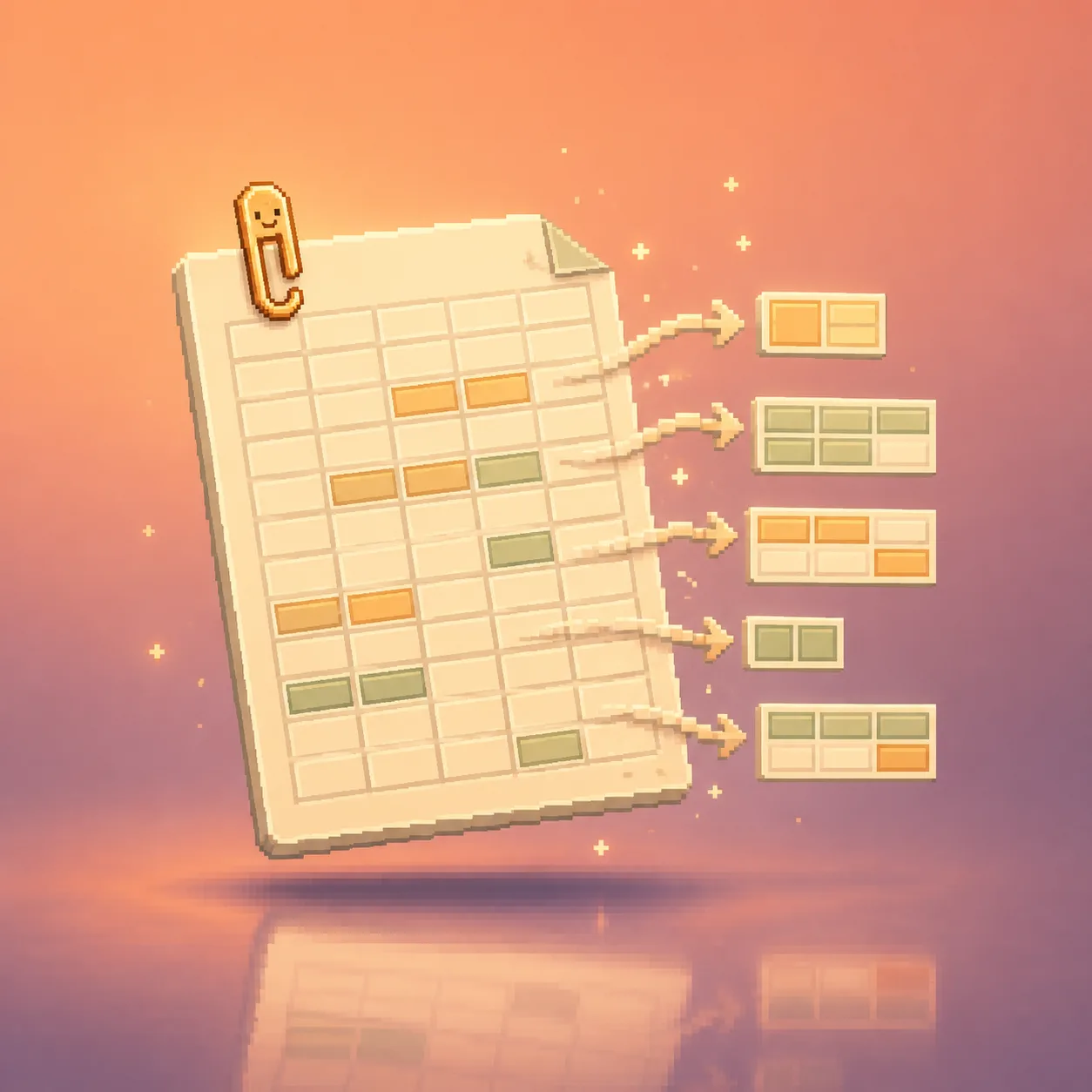
Create a blank document or import Markdown, PDF, DOCX, HTML, or plain text. A previous proposal can become the starting point for a new brief. A report can become source material for a summary.
For scanned PDFs, Research supports on-device text extraction. That makes more of your existing material usable, while the original remains the reference for checking unclear names, numbers, and dates.
Research, write, and refine with a clear purpose
Tell Upfyn who the document is for and what it should help them do. Ask for citations when claims rely on source material, and make missing information visible.
For example:
Try asking
Turn these customer notes into a short product brief. Group the repeated problems, link the supporting source material, and end with questions we still need to answer.
Once the structure works, select a passage for a focused change:
Then ask
Rewrite this section for a business owner. Keep the evidence and remove unexplained technical terms.
You can also edit directly or dictate text when speaking is the easier way to capture an idea.
Keep the working document ready for the next person
Research autosaves documents in the active project. When the work is ready to leave the workspace, export it in a supported format appropriate to the reader.
The document can continue developing after a reviewed export. Bring new sources into the task, ask what changes, and revise the relevant sections. “Living” means you can keep working on it; updates should follow your instructions and available information.
A useful first Research
1
Open Research and choose a blank document or import.
2
Name the audience, purpose, and source material.
3
Ask for an outline and draft suited to that reader.
4
Review the evidence, then refine individual sections.
5
Export a reviewed version and keep the working project.
Good for: research briefs, proposals, operating procedures, meeting summaries, and project updates.
Before you export: check important facts, citations, tables, and layout in the result the next person will receive.