
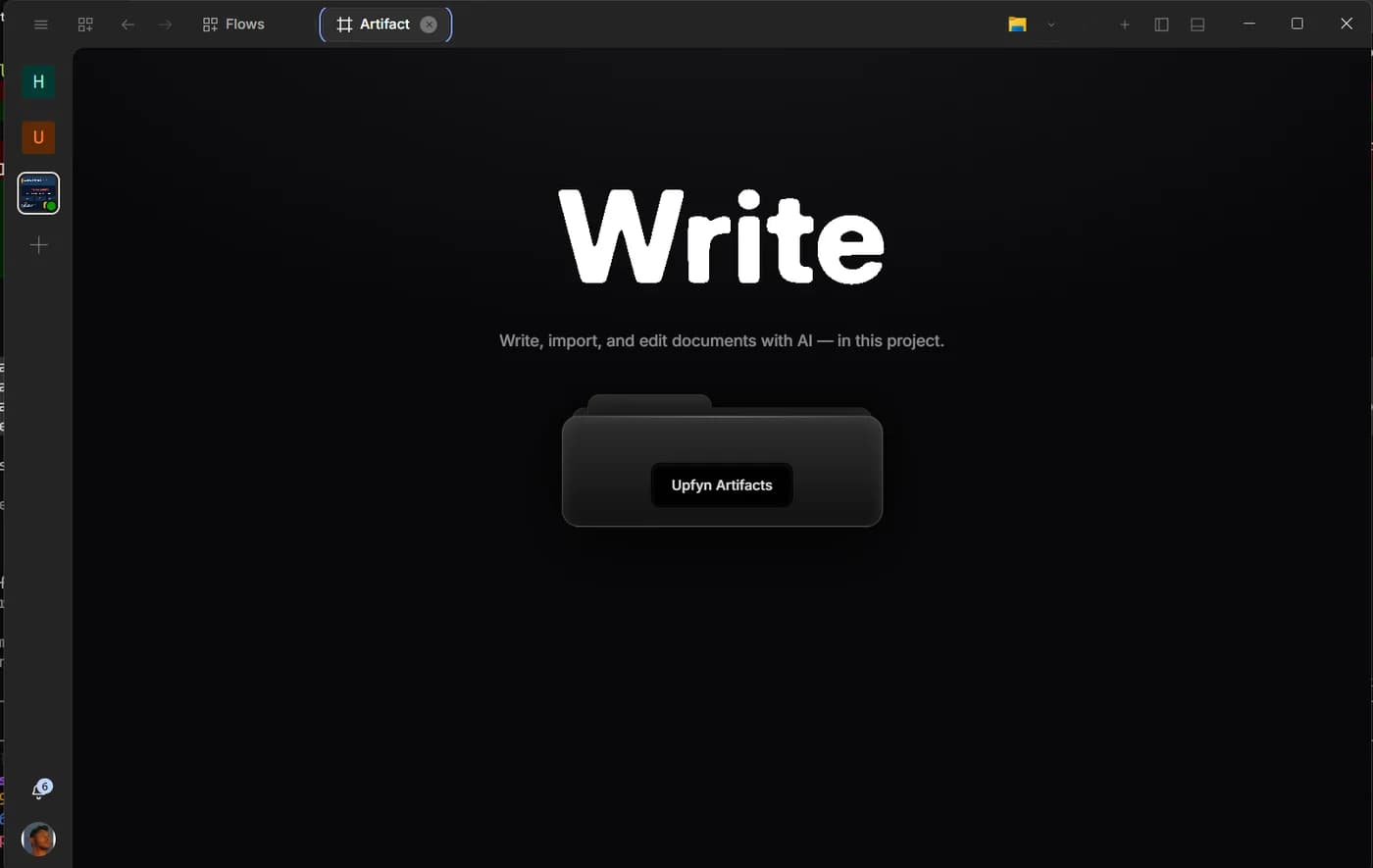
Many AI conversations end with a block of text that must be copied into another editor. Artifact removes that handoff. It gives document-shaped work a persistent surface beside the chat, so the result can be drafted, inspected, edited and exported without becoming a disposable answer.
Artifact is useful in both everyday and technical work: research briefs, proposals, operating procedures, release notes, meeting summaries and any task whose final form is a document rather than a message.
Begin blank or bring a source
You can create a blank document or import Markdown, PDF, DOCX, HTML or plain text. Importing is useful when the work begins with an existing contract, report or draft that needs analysis and revision.
Before asking for changes, have the assistant identify the document structure: title, sections, tables, citations and any content it could not read cleanly. This small inventory prevents a polished rewrite from hiding a failed import.
For scanned PDFs, Artifact can use bundled on-device OCR to extract text from page images. OCR makes a document editable, but it does not make every character certain. Preserve page references and inspect names, totals, dates and identifiers against the original scan.
Research should leave evidence
When a document uses external or project sources, ask for linked citations rather than a source list added after the prose. A citation should sit next to the claim it supports and lead back to the material a reviewer can inspect.
Good source work has three layers: the claim in the document, a citation attached to that claim and enough source context to confirm that the evidence was not stretched. If a source disagrees or is incomplete, the document should say so.
Do not ask the assistant to manufacture certainty. A useful brief can separate established facts, reasonable inference and open questions. That distinction makes the document more trustworthy and gives the next conversation a better starting point.
Edit the selection, not the whole world
Artifact supports in-place editing and selection rewrites. Select the paragraph or section whose job is clear, then state the change: shorten it, make the language concrete, preserve the numbers, add the missing caveat or adapt it for a particular reader.
Selection-based work reduces collateral change. If the introduction is right and the conclusion is weak, do not ask for a full rewrite. The assistant should update the chosen passage while keeping the rest of the document stable.
Use comments or a separate review prompt for disagreements that need a decision. Rewriting is not the same as resolving a factual conflict.
Dictation belongs in the draft
Voice dictation can capture an idea directly in the document. This is useful for an opening, a personal explanation or feedback you want to preserve in your own words.
After dictation, ask for a light edit with explicit constraints. For example: “Correct transcription errors and paragraph breaks, but keep my phrasing and do not add claims.” That keeps the assistant from turning a personal note into generic marketing copy.
Names, URLs and figures are easy to mishear, so inspect them before using the text as a source for later sections.
Autosave is not a review strategy
Artifact autosaves inside the active project, which protects the working document from an accidental navigation. It does not replace version awareness.
For consequential work, export or save a reviewed milestone before a large restructuring. Give the milestone a meaningful name, such as “approved outline” or “legal review draft,” rather than “final final.” If the project is under Git, use the project’s normal change history where appropriate.
The goal is to make it easy to answer two questions: what changed, and which version did a person approve?
Choose the export for the next reader
Artifact can export the finished document in supported formats including Markdown, PDF and DOCX. Choose based on what happens next.
Markdown is useful when the document will return to a project or publishing workflow. DOCX is useful for collaborators who need familiar tracked editing. PDF is useful when the layout should be stable for reading or distribution.
Export does not end the source responsibility. Check citations, headings, tables and page breaks in the exported file, especially after importing a complex original.
A reliable document workflow
Start with a short brief that names the audience, decision and evidence standard. Import or identify the sources. Ask for an outline before drafting. Approve the outline, then draft one section at a time with citations.
Next, run two reviews with different goals. The first checks factual support and missing caveats. The second checks structure, repetition and language. Combining both into “make it better” encourages surface polish before factual problems are resolved.
Finally, export the format your reader needs and inspect the result outside the editor. The document is done when another person can understand and verify it, not when the assistant stops typing.
When to use Analyst beside Artifact
Analyst is useful for gathering and comparing project material before it becomes prose. Ask Analyst to create an evidence table or source inventory under output, then use Artifact to shape the approved findings into a document.
This two-surface workflow keeps extraction and writing distinct. If the source set changes, update the evidence layer first. The document can then explain what changed instead of silently drifting.
Ask Upfyn
Turn the sources in this project into an Artifact. First propose an outline and evidence table. Draft only after I approve them, attach citations beside supported claims, mark uncertainty clearly and preserve a reviewable export milestone.