
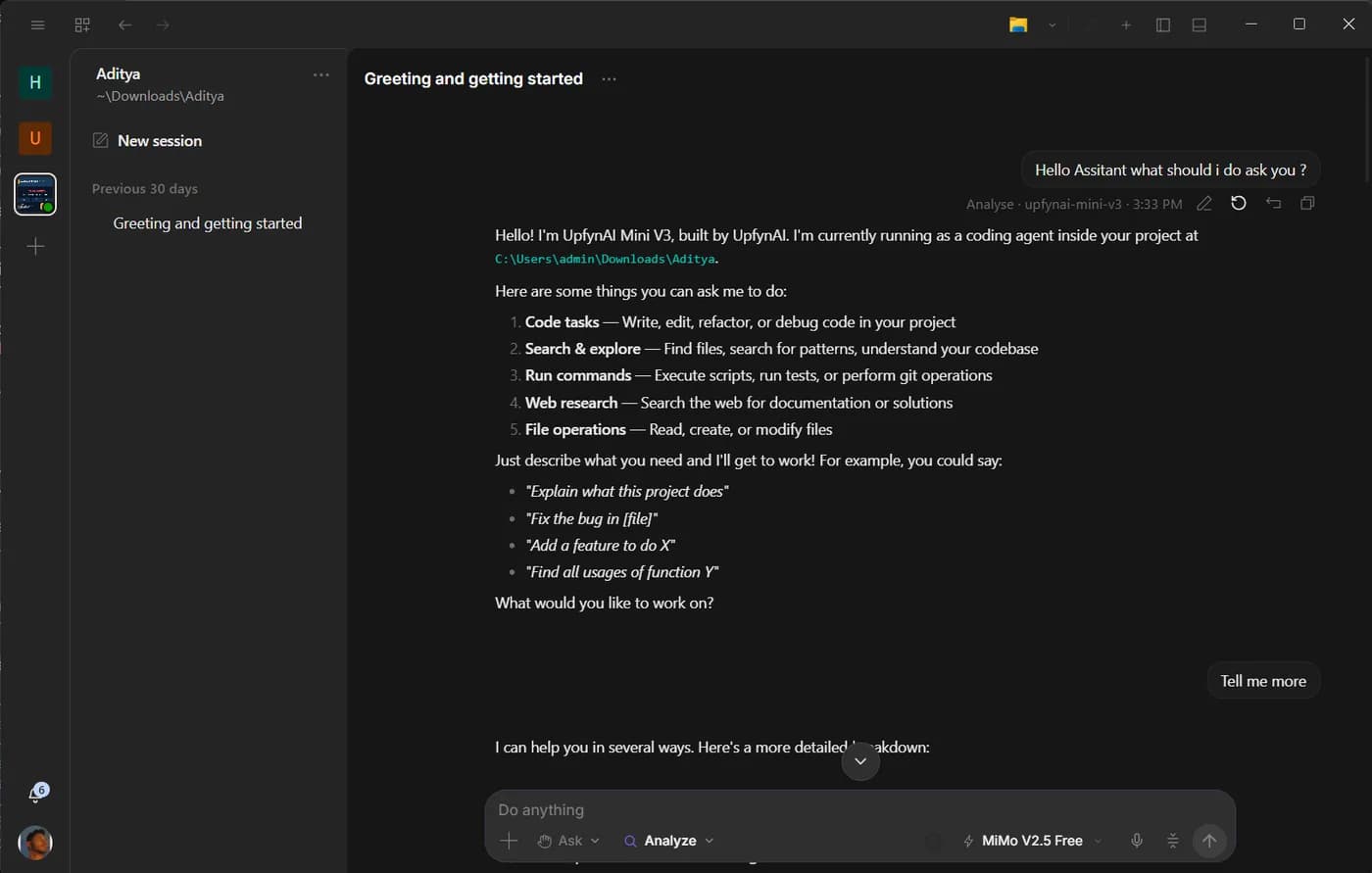
Analyst and Developer are not labels for two kinds of people. They are two authority and workspace shapes for the same assistant.
An accountant can need Developer when a task requires scripts and Git. A software engineer can prefer Analyst when the job is to read research and draft a brief. Choose by what the outcome needs, not by your job title.
Start with the narrowest useful surface
Analyst is designed for everyday knowledge and operations work. It can read the active project, use connected tools and work beside Files, Artifact and a user-driven browser. Its own file writes stay inside the project’s output folder.
That boundary is useful even for technical users. It prevents a research or document task from spreading edits across the project. The assistant can inspect the source material, produce a report and leave the original structure alone.
Use Analyst when the result is a summary, comparison, document, extracted dataset, exceptions list or recurring preparation job. It is also the home for scheduled work.
Choose Developer when the machinery is part of the task
Developer opens the full project and the tools needed to change, run and verify it. The workspace includes terminal, browser automation, Git, review surfaces, side chats, goals and specialist delegation.
Use it when the instruction contains verbs such as implement, migrate, debug, test, build, refactor, deploy or review a change. Those outcomes often require reading and writing across many files, running commands, observing errors and comparing Git state.
Developer does not mean “approve everything.” Tool permissions and project boundaries still apply. It means the required machinery is available when authorized.
A decision table
| The job | Start here | Why |
|---|---|---|
| Summarize a folder of reports | Analyst | Read broadly, write a clean result under output |
| Draft a cited brief | Analyst + Artifact | The result is a document, not a project change |
| Prepare a recurring exceptions report | Analyst + Scheduled | Recurrence belongs in Analyst |
| Diagnose a failing application | Developer | Needs project inspection, terminal and possibly browser tools |
| Implement and review a feature | Developer | Requires edits, checks and Git visibility |
| Research an engineering decision | Analyst first | Keep the research separate; move to Developer when implementing |
The last row shows an important pattern: one outcome can have phases. You can investigate in Analyst, review the document, then open Developer with an approved implementation brief. You do not need to make the research phase carry full engineering authority.
The modes share a front door
Both modes use the same composer. You can type, speak, attach context, select a skill and choose a model. Fast mode, when supported by the selected model, requests priority processing without reducing reasoning depth.
Connected apps also follow the conversation. If you authorize a connector from the chat, its tools should be available to that chat immediately after the OAuth flow completes. The mode controls the workspace; it should not force you to rebuild context merely because a new tool joined.
Voice works the same way. It is an input and interaction layer across both modes, not a separate product shell. Computer actions remain governed by visible permissions and approvals.
Write instructions that fit the mode
In Analyst, name the source and the output. A strong instruction is: “Read the customer notes in this project, group repeated problems, cite the source filenames and write a two-page brief under output. Do not contact anyone.”
In Developer, name the success condition and verification. For example: “Trace why the settings page fails after sign-in, explain the cause, implement the smallest fix, run the relevant checks and show me the Git diff. Do not deploy.”
Both instructions make authority explicit. They tell the assistant what it may inspect, what it should produce and which external action remains out of scope.
When to switch
Switch from Analyst to Developer when the approved result must become a project change, when verification requires a terminal or automated browser, or when the task needs Git continuity. Do not switch merely because the subject is technical.
Switch from Developer to Analyst when you want to isolate research, create a polished artifact or establish a safe write boundary for a broad reading task.
If you are unsure, begin in Analyst and ask for a plan that identifies any capability it lacks. The assistant should be able to say, “This next step needs Developer because it requires project-wide edits and a test command.” That explanation is more useful than silently widening authority.
A two-pass habit
For unfamiliar work, use two passes. First ask the assistant to inventory sources, assumptions, missing access and intended output. Then approve the execution step. This habit works in both modes and makes mistakes cheaper.
In Analyst, the first pass protects the source material from a badly framed extraction. In Developer, it prevents an implementation from racing ahead of an uncertain diagnosis. The difference between the modes remains the available surface, not the quality standard.
Ask Upfyn
Classify this outcome as Analyst work, Developer work, or a two-phase task. Explain which files and tools are required, where changes would be written, and which actions should still ask me first.