Desktop Guides
Fifteen detailed guides to the modes, apps and boundaries that make your computer the assistant. Open any guide in Upfyn and ask the AI to apply it to your project.
 Upfyn
UpfynYour computer becomes the AI assistant
Upfyn is one local-first assistant with two modes, not another chat window or a collection of AI characters.
· 5 min readgetting-started
 Upfyn
UpfynAnalyst or Developer? Choose the mode by the boundary
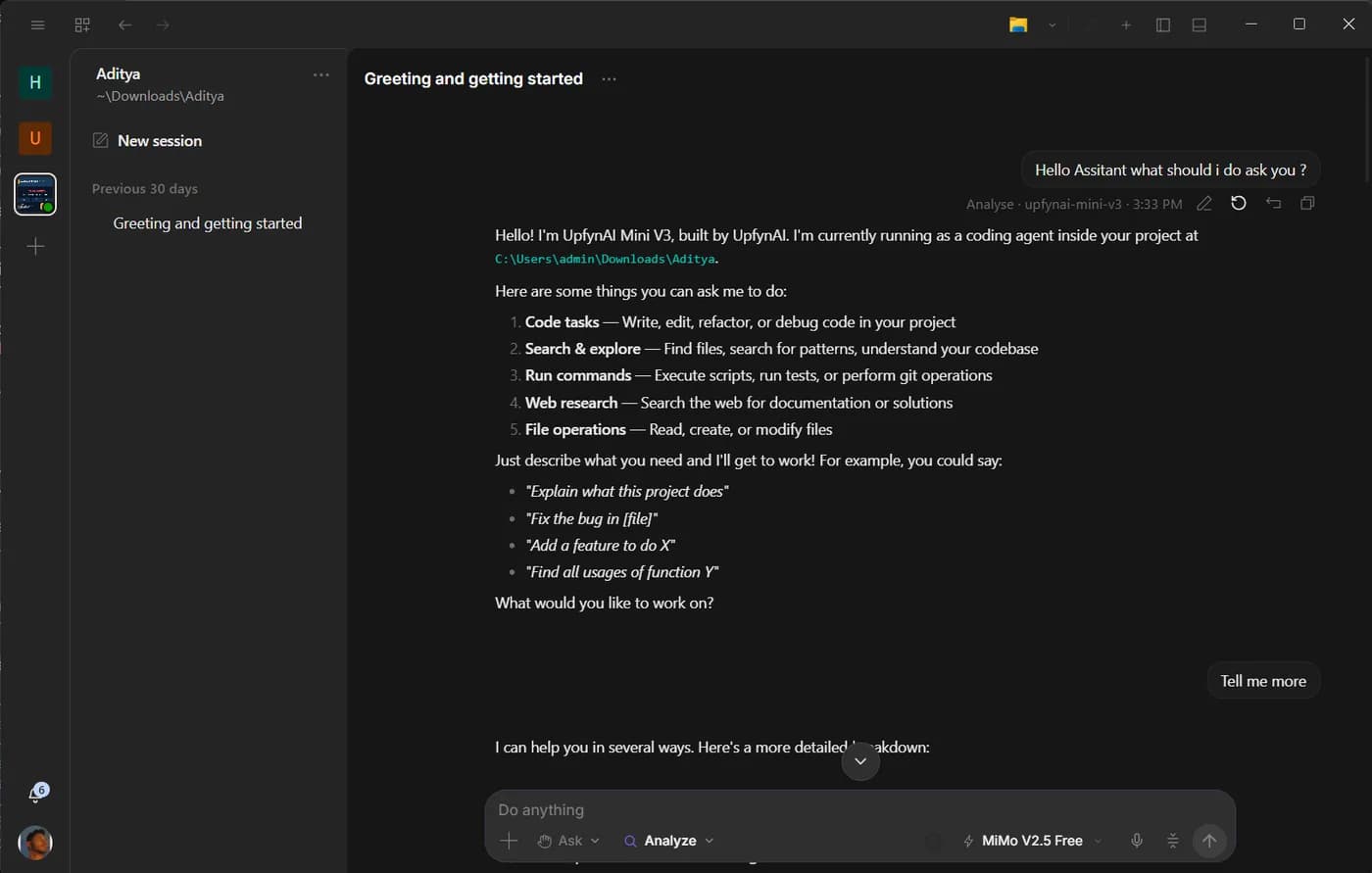
The two modes are for everyone. Talk to Analyst for a narrower work surface or Developer when the outcome requires the full project and development tools.
· 4 min readgetting-started
 Upfyn
UpfynConnect an app without losing the conversation
OAuth should add authorized tools to the chat you already have, so the assistant can continue the same outcome with the new app in context.
· 4 min readworkflows
 Upfyn
UpfynWhat happens when scheduled work runs
Temporal keeps the schedule durable, while your connected desktop remains the engine that performs local work.
· 4 min readworkflows
 Upfyn
UpfynHow to review a month of invoices with Analyst
A reliable invoice review begins with a written matching rule, a known folder and an output you can verify.
· 5 min readworkflows
 Upfyn
UpfynFast mode without shallower reasoning
Fast mode keeps the selected model and reasoning depth, while requesting priority processing from a model that supports it.
· 4 min readmodels
 Upfyn
UpfynWhat local-first really means in Upfyn
Local-first describes where files, tools and authority live. It does not pretend that every selected model or connected service is offline.
· 4 min readprivacy
UpfynRemote access is a relay to your desktop
The browser and phone are windows into a paired machine. Your desktop remains the engine, with its project and Git state intact.
· 4 min readremote-access
 Upfyn
UpfynVoice is the front door, permission is the boundary
Voice works across Analyst and Developer, while computer and browser actions remain visible, scoped and reviewable.
· 4 min readcontrol
 Upfyn
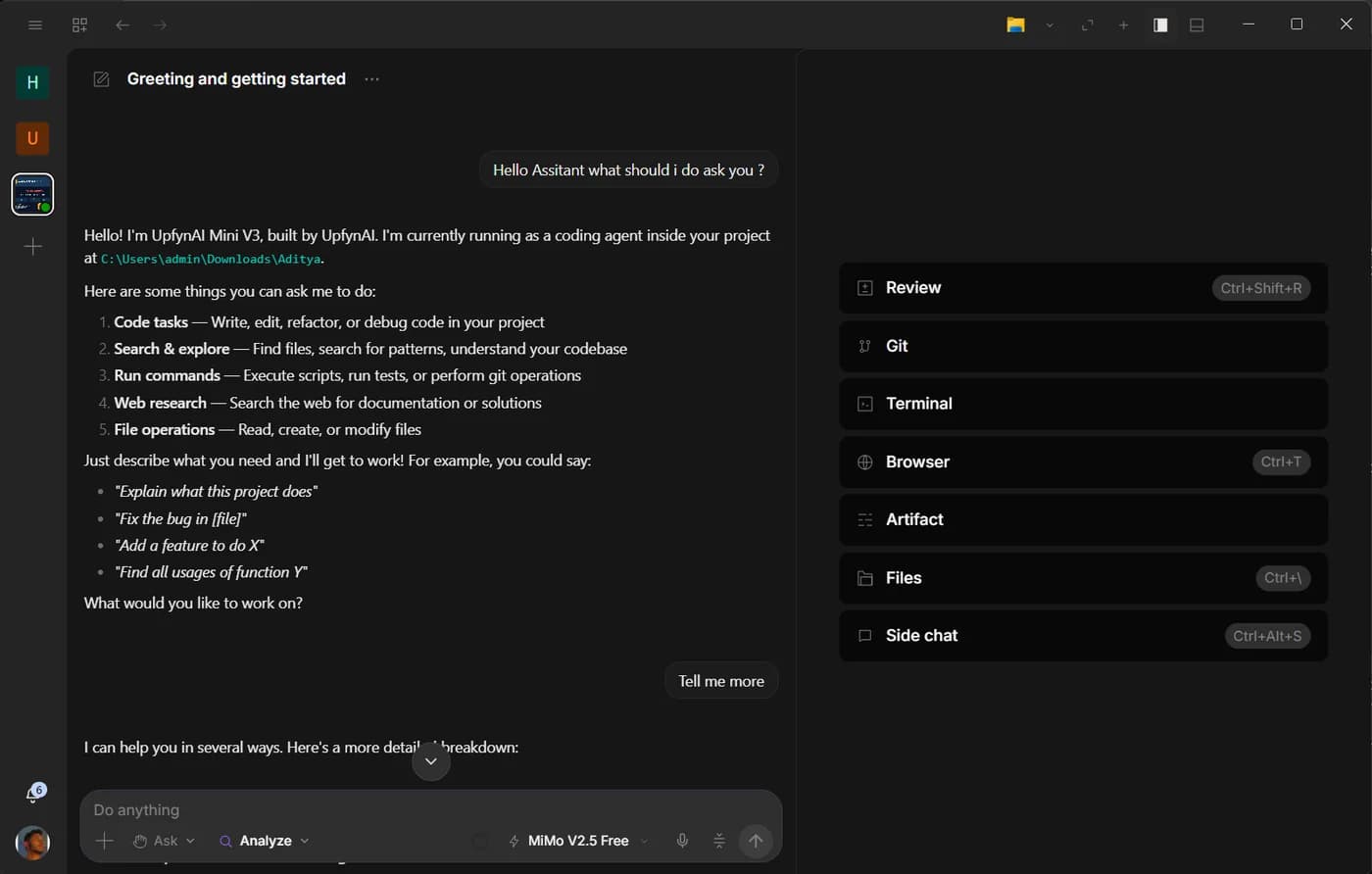
UpfynArtifact turns sources into a document you can keep editing
Import existing material, research with citations, rewrite selections and export a living document from the active project.
· 4 min readapps
 Upfyn
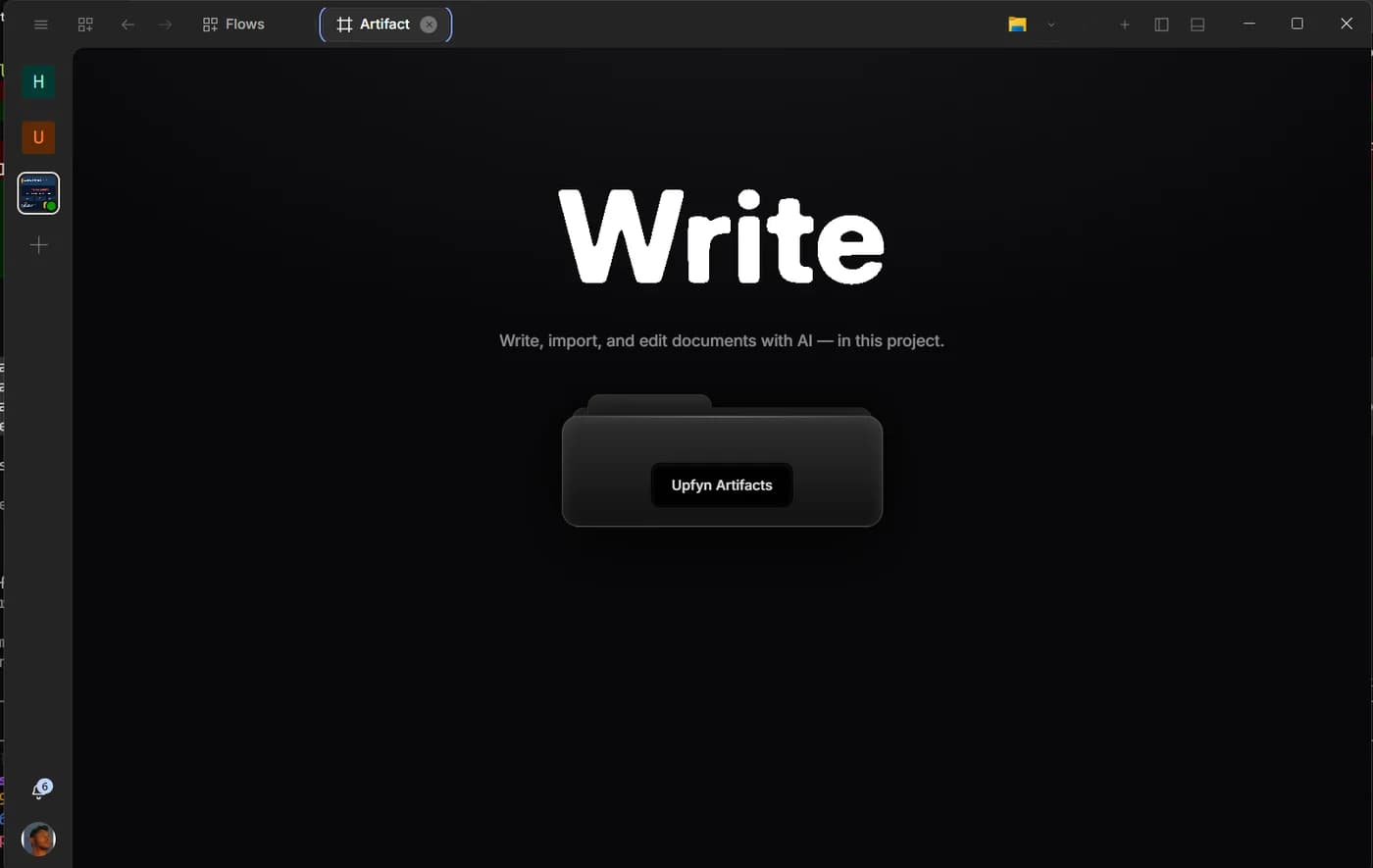
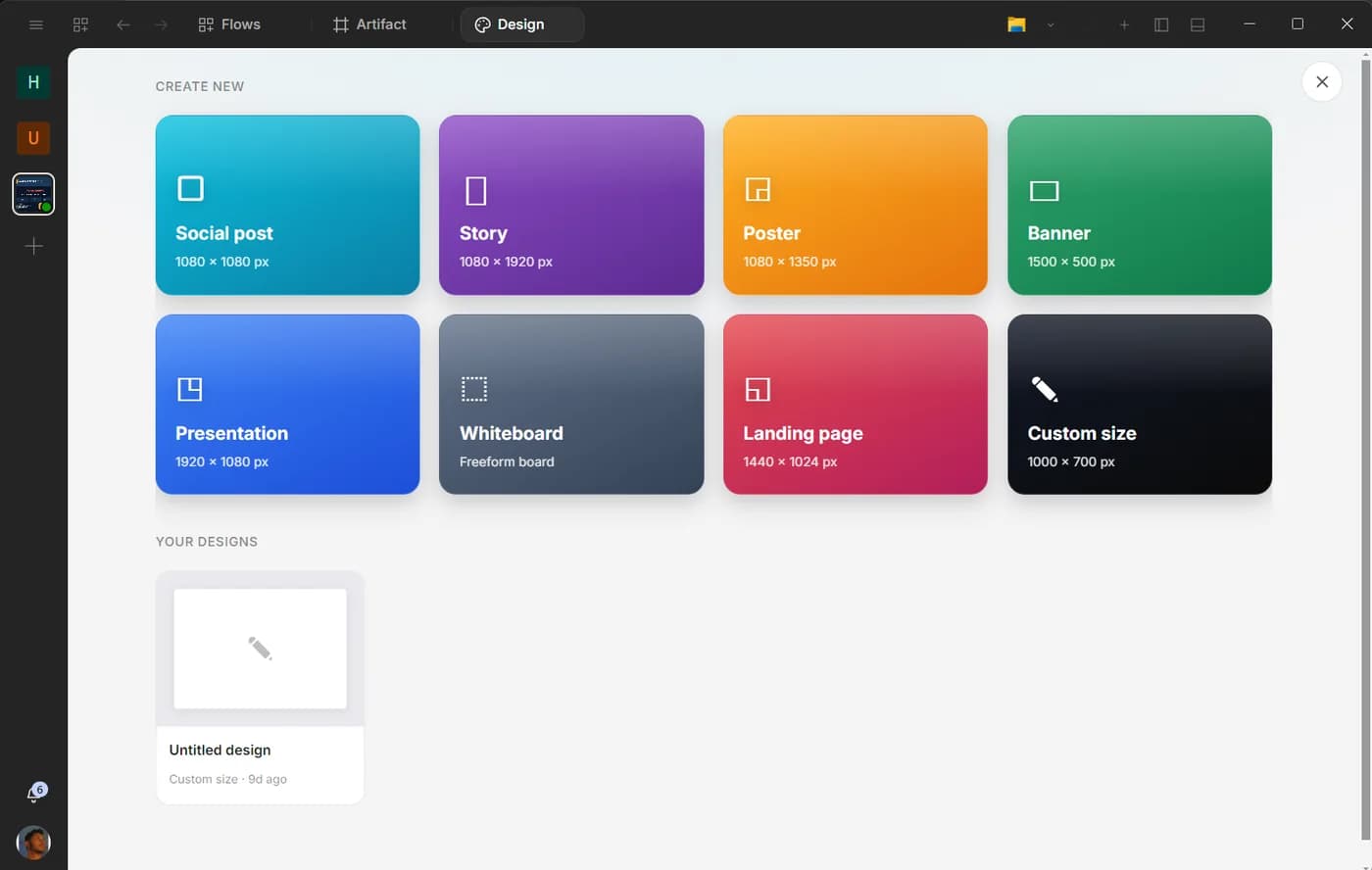
UpfynDesign is four creative surfaces, not one prompt box
Create graphics, presentations, whiteboards and multi-page websites from a prompt or by editing directly on the canvas.
· 4 min readapps
 Upfyn
UpfynShare files directly on a trusted local network
Share exposes only the file, folder or project you select, with browse and incoming-transfer requests that you can approve or deny.
· 4 min readapps
 Upfyn
UpfynOperator makes remote help a consented session
A one-time code starts the introduction, but the host and helper still confirm the session and grant each kind of control deliberately.
· 4 min readapps
 Upfyn
UpfynAI Studio keeps the media project on a local timeline
Import image, video and audio assets, arrange and trim clips, preview the sequence and export supported projects to WebM.
· 4 min readapps
 Upfyn
UpfynTeam keeps the conversation beside the work
Channels, direct messages, tasks, calendar, documents, whiteboards, files, calls and an assistant share one account-backed workspace.
· 4 min readapps