
Voice changes how quickly you can state an outcome, correct a plan and ask what happened. It should not change what the assistant is allowed to do.
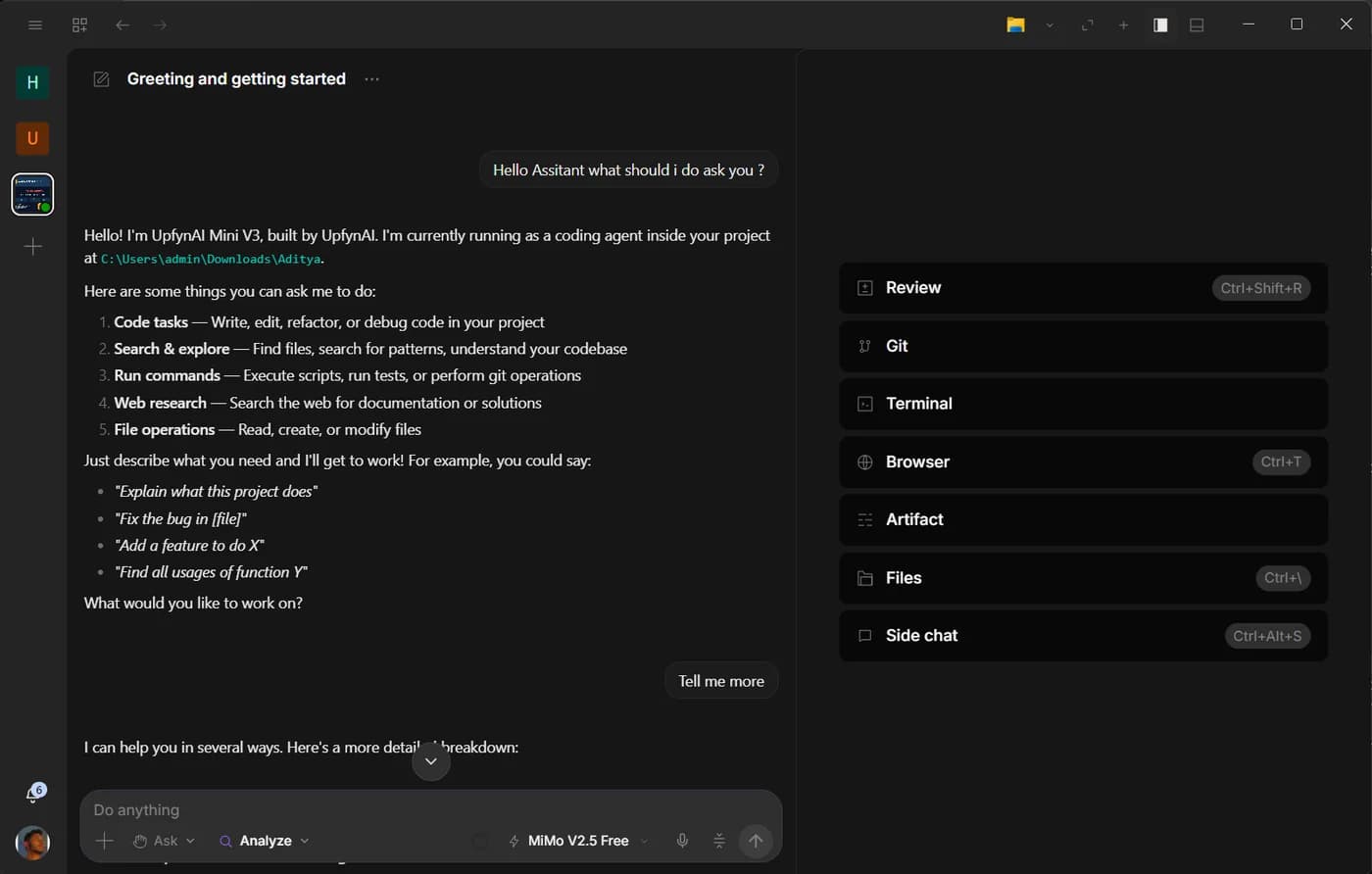
In Upfyn, voice belongs to the shared composer and overlay used by both Analyst and Developer. It is not a separate “computer” app or a character with broader authority. The same request could be typed; the same mode, tools and permissions apply.
Speak the outcome and the stop condition
A good voice instruction is short but bounded. “Open the active project’s output folder and summarize the latest report; do not change files” is easier to execute and verify than “show me what happened.”
For an action, include the point at which the assistant should stop. “Fill the form from this approved record and stop before submit” preserves a review step. “Draft the reply and read it back before sending” separates preparation from consequence.
Speech is especially useful when your hands are occupied, when you are looking at the result instead of the composer or when a long task needs a quick correction. It is less suitable for secrets, exact identifiers or commands whose punctuation matters; paste or type those details instead.
Listening, reasoning and acting are different stages
A voice interaction includes several systems. Speech recognition turns audio into text. The selected model reasons about the request. Upfyn may invoke a file, browser or computer tool. Speech playback can read the result.
Keeping these stages separate makes troubleshooting easier. If a name was transcribed incorrectly, correct the text before allowing an action. If the plan is wrong, change the instruction. If a tool is missing authority, review its permission rather than repeating the sentence more loudly.
Fast mode can request priority model processing for a supported model without changing reasoning depth. It can improve conversational rhythm, but it does not accelerate every browser page, local command or speech service involved in the turn.
Computer control should remain supervised
Opening an app, using a registered command or driving a signed-in browser can have real consequences. The assistant should expose the intended action and ask when the active policy requires approval.
External operating-system input is particularly sensitive. It should be opt-in, scoped to the run and never treated as a background entitlement. A screen can change between observation and click, so important actions need a visible review point.
The action history should make it possible to see what ran, what was blocked and what was approved. Voice does not remove the need for that record.
Browser work uses the session you already have
The desktop can work with a supported signed-in Chromium browser. This is useful for portals and services where the relevant information exists behind your login.
Ask the assistant to navigate, inspect, type or extract within a clear scope. For unfamiliar or consequential tasks, request a plan before action. Keep submission, purchase, deletion and publication behind explicit approval.
Do not assume every visible page element is safe to click. Websites can contain untrusted instructions, ads and content designed to redirect a user. The assistant’s job is the outcome you stated, not whatever a page tells it to do.
Voice in Analyst
Analyst is a natural place for spoken research and document work. You can ask it to compare the files in a folder, capture a dictated paragraph in Artifact or explain a result while you inspect the sources.
Its write boundary still matters. If you ask it to create a report, the result belongs under output unless you are editing through a focused app with its own project document behavior. Voice should not silently widen the file boundary.
Scheduled work can also begin as a spoken instruction, but review the written schedule before saving it. Times, account names and output paths are easy to mishear. The durable job should contain the corrected text, not only the original audio.
Voice in Developer
Developer can use voice to navigate a project, ask for a diagnosis, start a review or direct a running goal. Because engineering tasks often involve exact names and commands, have the assistant repeat the target before a broad change.
A useful pattern is “explain, then act.” Ask for the suspected cause and intended files first. Approve implementation after the explanation fits the observed problem. Then request the relevant checks and a Git diff.
Voice is also useful for interruptions: “Stop after the current command,” “Do not edit that configuration file,” or “Summarize the side chat before merging its result.” The assistant should treat these as changes to the active authority and plan.
Protect private surroundings
Microphone input can capture nearby speech. Use push-to-talk or an explicit listening state where available, and check the visible indicator before discussing sensitive information. Avoid reading passwords, recovery codes or long-lived access tokens aloud.
If the assistant misunderstands, correct the transcript and restate the boundary. Do not approve an action merely because the spoken version sounded right in your head.
The best voice experience feels natural because authority stays predictable. You can speak casually while the system remains precise about what it heard and what it is about to do.
Ask Upfyn
Turn my spoken request into a written action plan. Repeat the target, list the tools and permissions required, identify the final consequential action, and stop for my confirmation immediately before that action.